Latest Store Additions
-
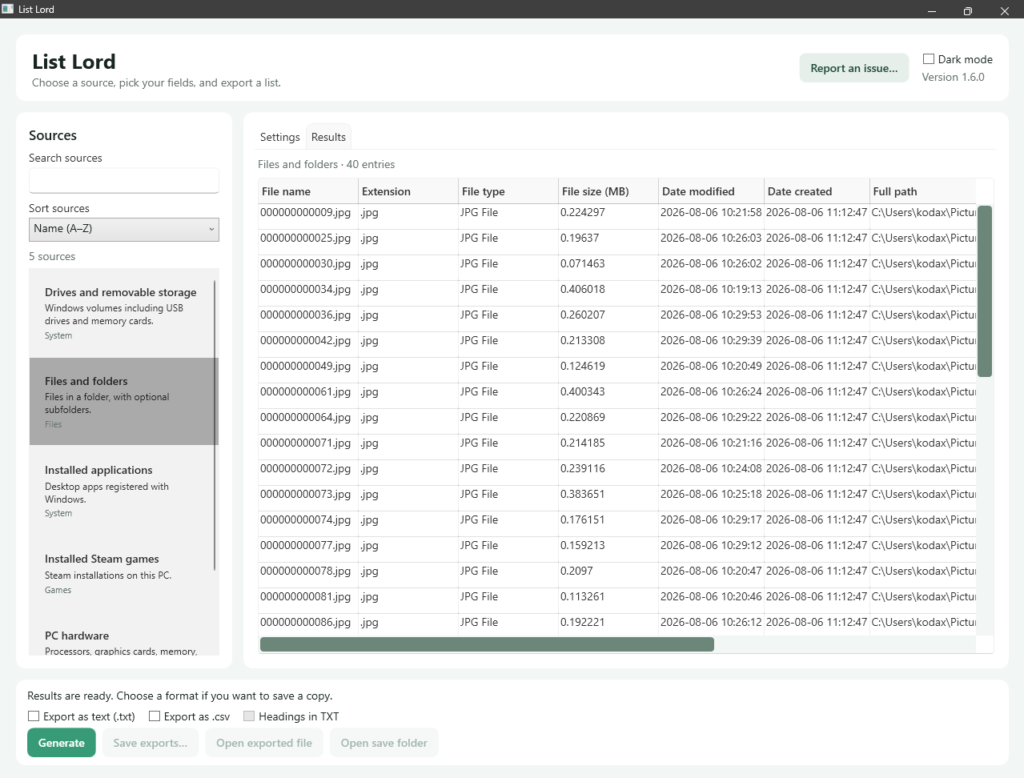
List Lord
Suggested Price: $1.00List Lord is a portable Windows app that turns information on your PC into lists you can preview, save as plain text, or open in a spreadsheet. Use it to make a record of a folder, check which Steam games are installed, list mods in a folder, or document the apps and hardware on a PC.
-
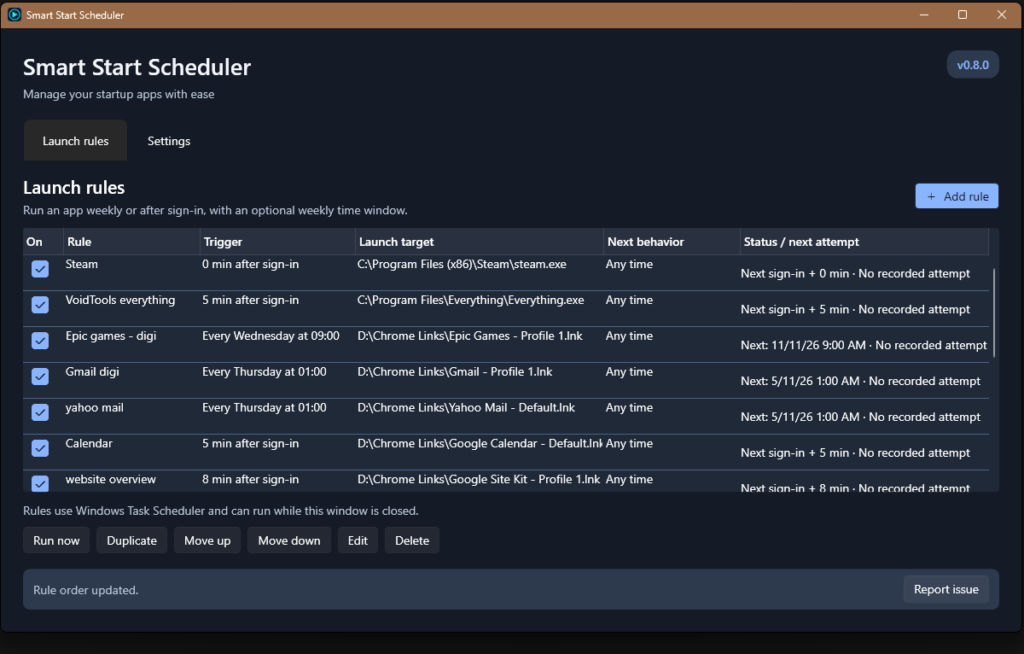
Smart Start Scheduler
Suggested Price: $1.00Open the apps and pages you need, when you need them. Set weekly launches, delay an app until after sign-in, and add conditions without working through Windows Task Scheduler yourself.
-

Fuzzy Search for Godot 4
Suggested Price: $0.00A Godot 4 library for comparing strings that are similar rather than identical. Download from the source link below.
Latest Mods
-
Attribute Scaling Matrix
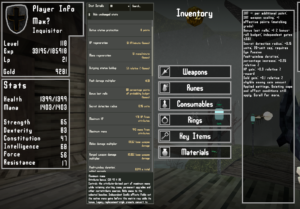
Choose how each Verho attribute affects your character. Attribute Scaling Matrix gives you a configurable table of effects for Strength, Dexterity, Constitution, Intelligence, Force and Resistance. Set each attribute’s contribution, save and switch between shareable presets, and use the optional Digineaux overhaul as a ready-made starting point. How it works Percent values are entered in percentage points: 0.2 means 0.2% per attribute point. Some effects use different units, such as HP per point, units of secret-detection radius or a flat addition to the peak damage multiplier. Their descriptions explain the calculation and any limits. Presets Vanilla attributes Vanilla attributes is…
-
Verho Weapon Upgrade Sync and Catchup
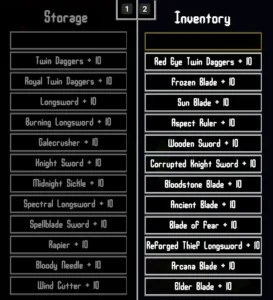
Upgrade one weapon and bring your other weapons up to the same level for free. Weapon Upgrade Catch Up covers your inventory and optionally your storage chest, and catches up newly picked-up weapons too. For example, upgrading a sword from +3 to +4 also raises your other +0, +1, +2 and +3 weapons to +4. You only pay the normal gold and material cost for the sword you selected. Weapons already above that level stay where they are. How it works Free catch up upgrades do not replay separate purchase dialogues or award separate upgrade achievements. So the settings allow…
-
Passive Eye of Secrets

Reveal secret walls and invisible objects without keeping the Eye of Secrets equipped. Walk close enough and the mod does the revealing for you. Optional filters for specificy requiring a certain weapon orr equiring the ey of secrets in inventory and customize the radius you want. Features Requirements Built for and tested on the Windows Steam version of Verho: Curse of Faces, build 21853371. Other versions haven’t been verified. Installation Use My mod manager or follow the manual steps: Configure Use Enable passive to turn it on or off, and Reveal radius to change its range. Activation mode has three…
Latest Articles
-
Modding Stats in Dragon’s Dogma
This guide explains how to modify vocation stat growth in Dragon’s Dogma: Dark Arisen by editing the game’s XML files. You’ll need ARCtool and its PC-specific batch files.This is only for the first game, not the sequel. Requirements Extracting and editing vocation stats Before starting, make a backup of your original game_main.arc file. You can find it in Steam\steamapps\common\DDDA\nativePC\rom. Understanding the XML files The mLevel value determines the level at which a particular stat-growth section applies. Stat gains change at levels 2, 11 and 101: The stat values represent the amount gained per level within that bracket. For comparison, you…
-
Create a Trait Mod for Starfield
This Starfield Creation Kit example creates a trait with perk entry points and conditions, without a script. The editor labels and available entry points can vary by version; test the trait in a new game before releasing it. Create the plugin and trait Add an armour-rating bonus Create an entry point using Mod Armor Rating → Multiply Value → 1.5. This is a 50% increase. Add IsMoving == 0 if it should apply only while stationary. If it should also require combat, add IsInCombat == 1 with AND logic. The description must match the conditions you actually set. Add a…